Linear Lens
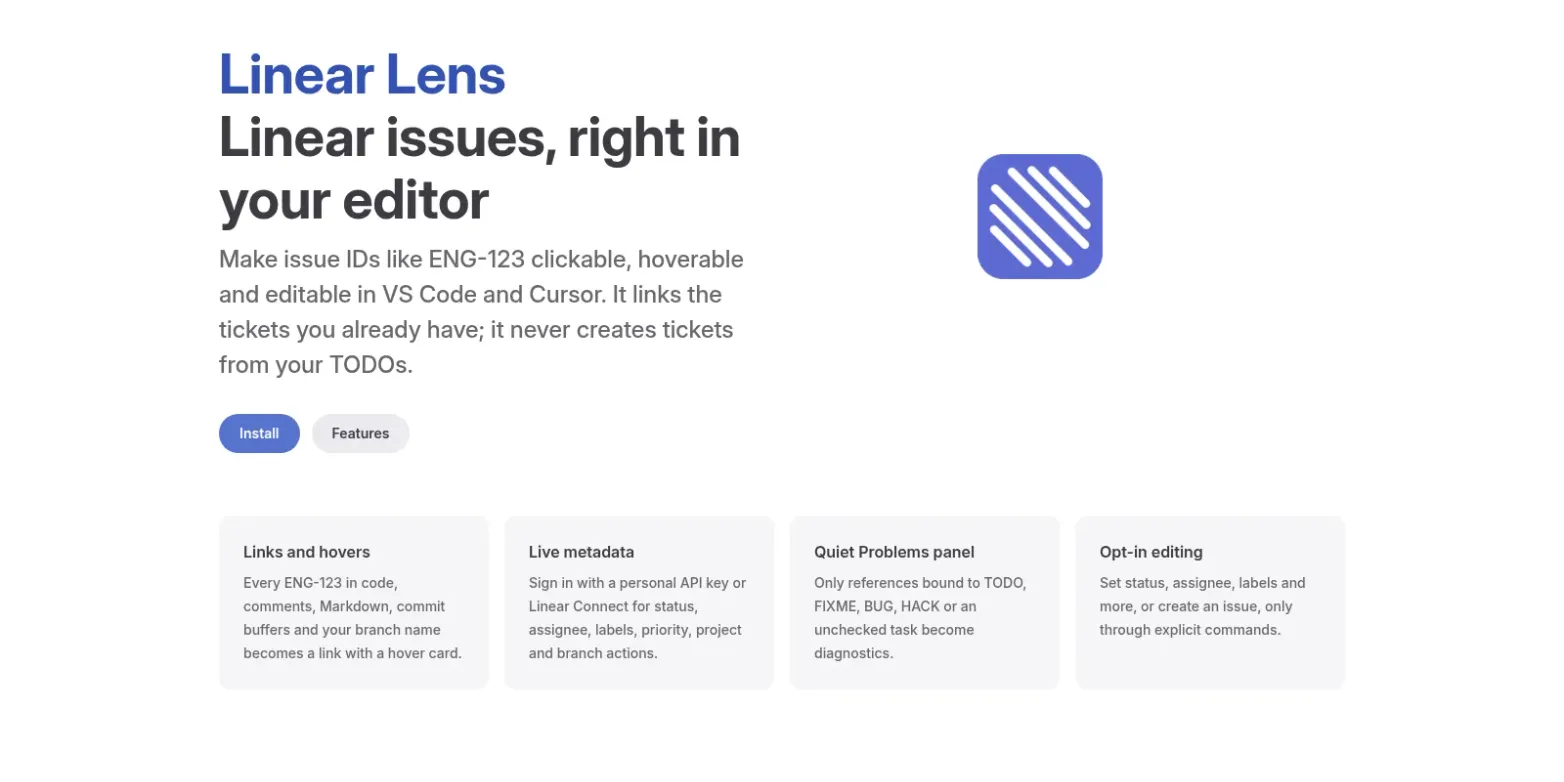
A VS Code and Cursor extension that makes Linear issue IDs like ENG-123 clickable and hoverable in comments, Markdown, commit messages and your branch name.
ENG-123 in a code comment should be a link, not something you copy into a browser tab.
Linear Lens is a VS Code and Cursor extension that finds Linear issue references wherever they show up (code comments, Markdown, commit-message buffers, full linear.app URLs, the current git branch name) and makes them clickable. Hover one and you get the issue: title, a status dot in the workflow state's color, assignee and subscriber avatars, labels in their own colors, priority, project, and the issue's suggested branch with one-click Checkout and View Diff.
Links your tickets, doesn't invent them
Plenty of tools turn TODO comments into new tickets. This one goes the other way: it only connects references to issues that already exist. A reference in plain prose, like Fixed in ENG-123, gets a link and a hover and nothing more. Only references tied to a marker (TODO, FIXME, BUG, HACK, or your own keywords) or an unchecked Markdown task land in the Problems panel, because those are the ones that are still outstanding work.
Without any setup, anything shaped like ABC-123 counts, which can produce the occasional false positive (self-2 reads as SELF-2). Once you sign in, it fetches your workspace's real team keys and uses them as the allowlist.
Fast enough to leave on
All the surfaces share one warm metadata cache. Every reference in a document goes out in a single batched GraphQL request, duplicate in-flight fetches are merged, and everything reads stale-while-revalidate, so hovers show up from cache right away and refresh in the background. That cache feeds a GitLens-style end-of-line annotation (ENG-123 · In Progress · Fix the parser), status-colored ticks on the scrollbar, and a blame hover that surfaces the issue mentioned in a line's last commit even when the code itself never mentions it.
Writes, when you ask
Editing is opt-in. There are explicit commands to change status, assignee, labels, priority, project, team or cycle, manage blocking relations, and create an issue, plus a team board where dragging a card changes its status. Every surface has its own toggle, destructive changes ask first, and with no API key or sign-in everything quietly falls back to plain links and hovers.
Auth is either a personal API key, kept in VS Code's encrypted SecretStorage and sent only to api.linear.app, or a sign-in through Linear's own Linear Connect extension, so Linear Lens never handles a client secret or hosts a redirect.
Status
Built on 2 and 3 June 2026: 20 commits, 364 Vitest tests, MIT. It's on Open VSX as alliecatowo.linear-lens (0.1.0), which is where Cursor and VSCodium install from; it isn't on the VS Code Marketplace yet. In Cursor, search "Linear Lens" in the Extensions view. For VS Code, download the VSIX from Open VSX and run Extensions: Install from VSIX. The docs site has the setup guide.